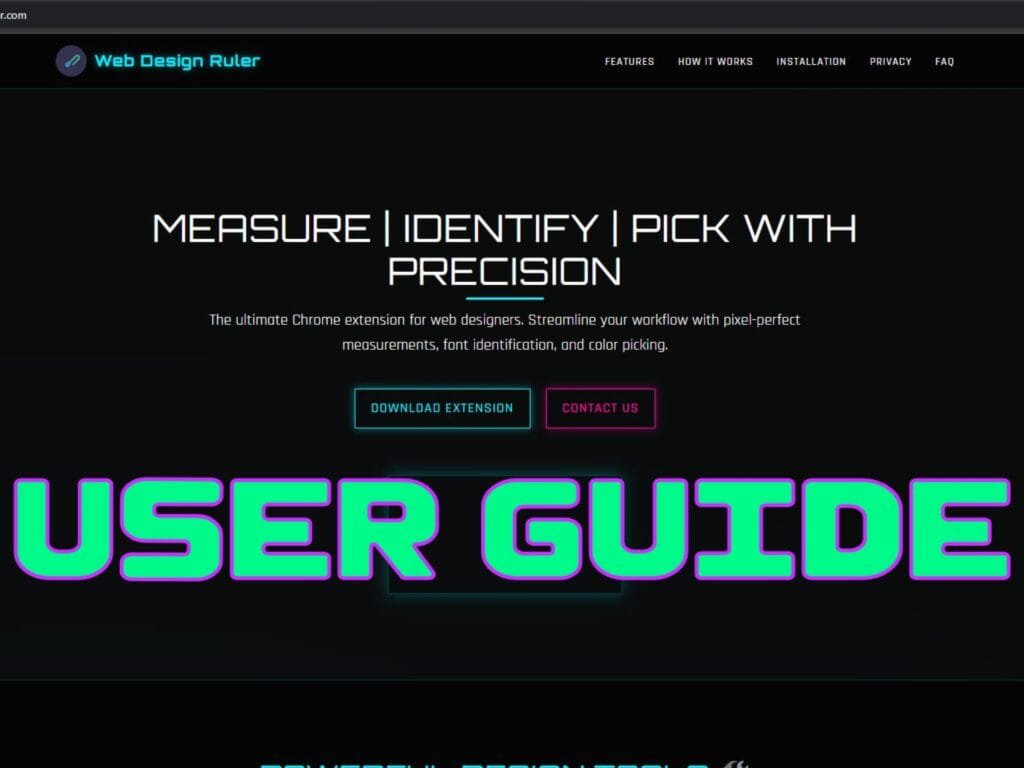
Web Design Ruler combines three essential tools every web designer needs: precise measurements, font identification, and color picking. One extension. Zero bloat.
Whether you’re inspecting a competitor’s site, matching a client’s brand colors, or documenting specs for a developer handoff, this guide covers everything you need to know.
Build Status Icons
Features are marked with their current development stage:
- 🅱️ Beta: Nearly final, available for testing
- ⚙️ Insider: Early preview, may be unstable
- 🔄 In Development: Coming soon
🚀 Installation
Web Design Ruler works on Chrome, Firefox, and Chromium-based browsers (Edge, Brave, Opera, Vivaldi).
Chrome Web Store (Recommended)
- Visit Web Design Ruler on Chrome Web Store
- Click “Add to Chrome”
- Confirm the installation
Firefox Add-ons
- Visit Web Design Ruler on Firefox Add-ons
- Click “Add to Firefox”
- Confirm the installation
Manual Installation (Chrome/Chromium only)
- Download the extension from webdesignruler.com
- Extract the ZIP to a permanent folder (don’t move it after installation)
- Open
chrome://extensions - Enable “Developer mode” (top-right toggle)
- Click “Load unpacked” and select the extracted folder
⚠️ Important: Don’t delete or move the folder after installation. Chrome loads unpacked extensions directly from that location.
🛠️ Core Features
📏 Measure Tool
Get pixel-perfect dimensions of any element on any webpage.
How to use:
- Click the Web Design Ruler icon (or press
Alt+M) - Select “Measure Tool”
- Hover over any element to see dimensions
- Click to lock the measurement
- Press
Escapeto exit
Pro tips:
- Hold
Shiftto snap to nearby elements - Double-click to see padding and margins
- Right-click to copy dimensions to clipboard
- Arrow keys fine-tune your selection
🔤 Font Identifier
Identify any font on any website with a single click. No more guessing.
How to use:
- Click the icon (or press
Alt+F) - Select “Font Identifier”
- Hover over text
- Click to see full font details
What you’ll see:
- Font family name
- Size, weight, and style
- Line height and letter spacing
- Color values
- Complete CSS declaration (copy-ready)
Pro tip: Use Font Memory to save detected fonts for future reference. Great for building typography documentation.
Curious how fonts can transform a design? See how we used typography to create a vintage newspaper theme with pure CSS for TheFindGuy.com.
🎨 Color Picker
Extract exact colors from any element. HEX, RGB, and HSL displayed simultaneously.
How to use:
- Click the icon (or press
Alt+C) - Select “Color Picker”
- Hover over any element
- Click to lock and view details
Color Palette Manager
Build and organize color palettes as you work:
- Create custom palettes per project
- Import/export as JSON files
- Built-in starter palettes (Material Design, Neutrals, LXB Studio)
- Recent Colors tracks your last 20 picks automatically
- One-click copy any format
⚡ Workflow Tips
Testing CSS Changes
When you’re measuring elements or picking colors during development, browser cache can show outdated styles. Use CacheCannon to purge your cache in one click before measuring — it’s a companion extension we built for exactly this problem.
Documenting Design Systems
- Use Font Identifier to catalog all typography on a site
- Build a color palette with the Color Picker
- Measure spacing and component sizes
- Export everything for your style guide
Client Presentations
When explaining design decisions to clients:
- Show exact measurements to justify spacing choices
- Identify competitor fonts to discuss typography direction
- Extract brand colors for palette discussions
Developer Handoffs
Generate precise specs developers can implement directly:
- Copy CSS declarations from Font Identifier
- Right-click measurements to copy dimensions
- Export color palettes as JSON
⌨️ Keyboard Shortcuts
Default shortcuts (customizable in browser settings):
| Action | Shortcut |
|---|---|
| Measure Tool | Alt+M |
| Font Identifier | Alt+F |
| Color Picker | Alt+C |
| Element Inspector | Alt+I |
| Toggle Grid Overlay | Alt+G |
| Cancel/Exit | Escape |
Customize shortcuts:
- Chrome:
chrome://extensions/shortcuts - Firefox:
about:addons→ Gear icon → “Manage Extension Shortcuts”
⚙️ Settings
Access settings by right-clicking the extension icon → “Options” or clicking the gear icon in the popup.
Display Options (🔄 Coming Soon)
- Light/dark theme (or sync with system)
- Measurement overlay opacity
- Guide colors
- Unit preferences (px, em, rem, %)
🆕 What’s New
Version 1.1 (Current)
UI Redesign:
- Modern interface with tab navigation
- Cleaner, more responsive design
- Smoother animations
New Features:
- Color Palette Manager with import/export
- Recent Colors (last 20 picks)
- Font Memory for saving detected fonts
- HEX, RGB, HSL displayed simultaneously
- One-click copy for all formats
- Real-time visual measurements
Bug Fixes:
- Context menu activation issues resolved
- Improved tool activation reliability
- Better error handling
- Removed unused magnifier element
❓ FAQ
Is it free?
Yes. Completely free, no premium tier.
Does it work offline?
Yes. All features work without internet after installation.
Will it slow my browser?
No. It only activates when you use it.
Does it collect data?
No. Everything runs locally. Zero data collection, zero tracking.
Which browsers work?
Chrome, Firefox, Edge, Brave, Opera, Vivaldi, and any Chromium-based browser.
Can I sync palettes between devices?
Not yet. Export as JSON and import on other devices. Cloud sync is on the roadmap.
The icon appears but nothing happens when I click.
Refresh the page. If that doesn’t work, reinstall the extension. For manual installs, make sure you haven’t moved the folder.
Measurements seem off on some sites.
Some sites use complex layouts. Try the “Use Element Borders” option (🔄 coming soon).
Font Identifier can’t detect a font.
The font might use custom loading. Try “Advanced Font Detection” in settings (🔄 coming soon).
Does it work on local HTML files?
Yes. Chrome: Enable “Allow access to file URLs” in extension settings. Firefox: Just open the file in the browser.
🤝 Support
Need help? Have a feature request?
- Contact LXB Studio
- Leave a review on Chrome Web Store or Firefox Add-ons
- Follow us: X · LinkedIn · Facebook
🚀 Get Started
Download Web Design Ruler and transform how you inspect websites:
- Chrome Web Store
- Firefox Add-ons
- webdesignruler.com (manual download)
Pair it with CacheCannon for one-click cache clearing during development.
Happy designing! ✨
Created by LXB Studio LLC. Last updated: December 2025 (Version 1.1).